
v1.7: Edit Your Room & Play Fetch
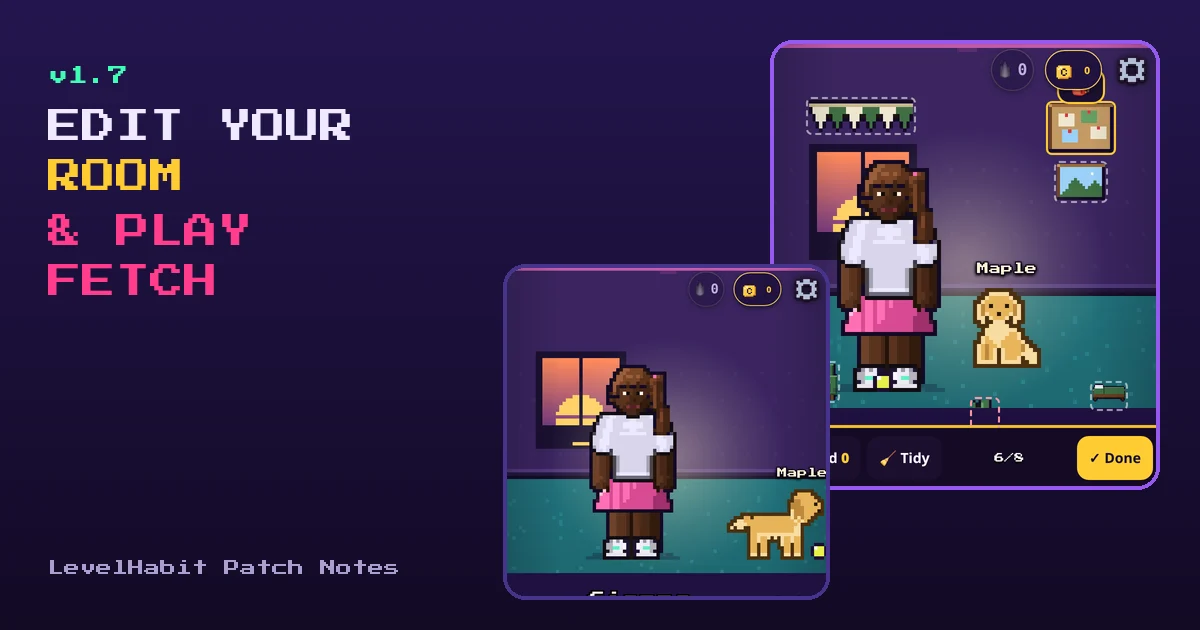
This update makes your room feel like home. You can now place your furniture wherever you like, and your hero and pet finally move around, chat and play together while you work on your habits.
Edit your room
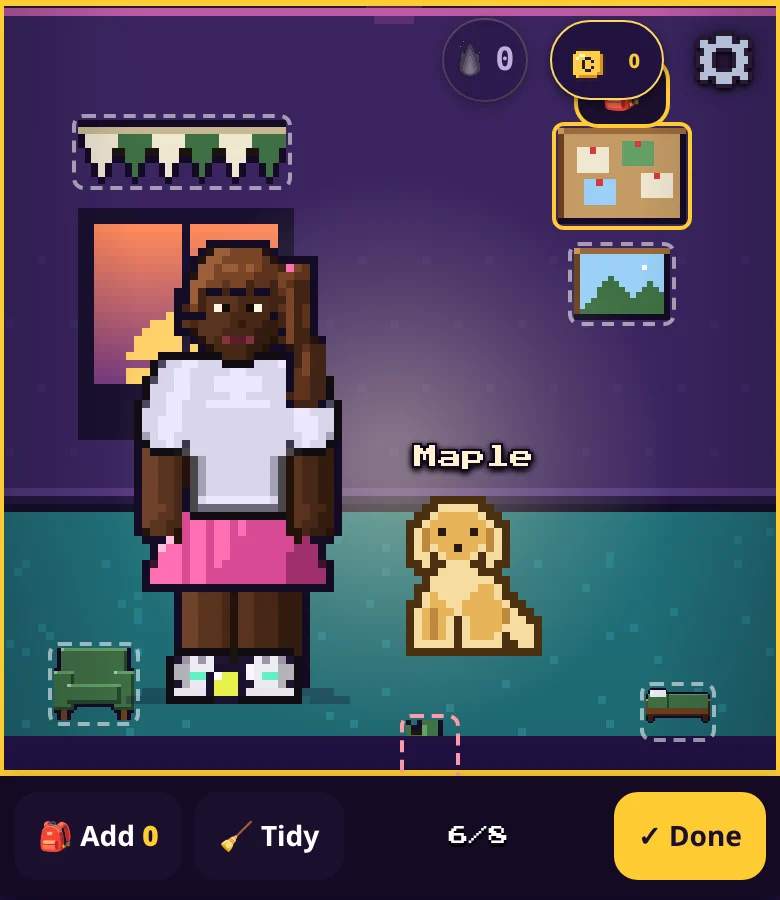
Open your House, go to Decorate and tap ✏️ Edit room. Now you can drag your furniture anywhere in its zone, so wall art goes anywhere on the wall and plants and rugs anywhere on the floor. On a phone, press and hold a piece to pick it up.
- 🎒 Add brings out furniture from your bag, and the 🎒 button on a piece puts it back.
- 🧹 Tidy packs everything back into place in one tap.
- Each room holds up to 8 pieces. Pieces can't overlap, and your hero's spot always stays clear.
- New furniture from the Store or a chest finds a free spot on its own.
Your hero comes to life
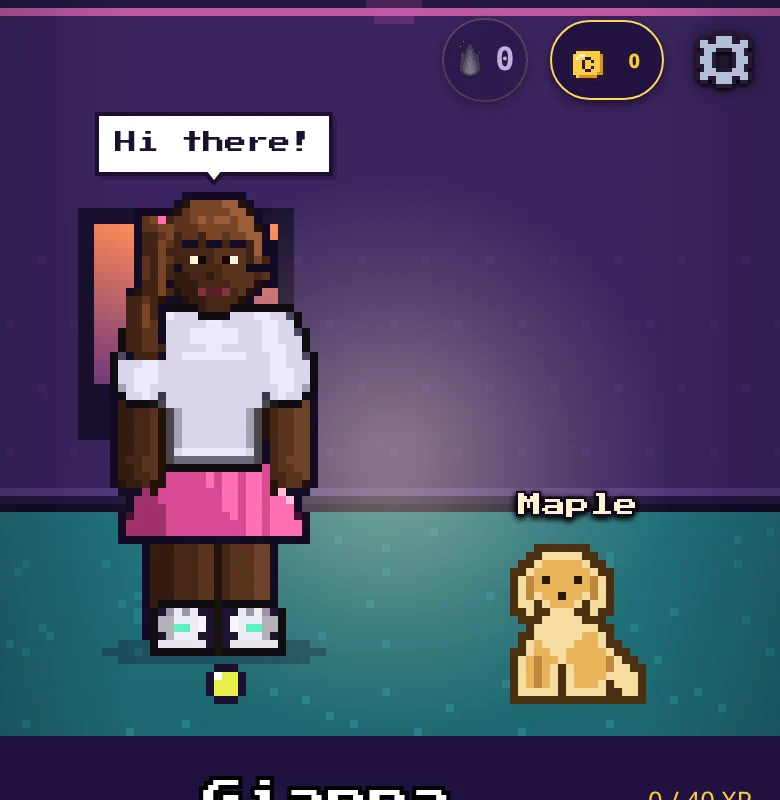
Your hero doesn't just stand there anymore. They walk around the room (and around your furniture), hop, wave and say little things in speech bubbles. They notice when you finish a habit, keep a streak going, check off everything for the day or level up, and they cheer along with you.
- Tap an empty bit of floor and your hero walks there.
- Tap your hero for a quick reaction, or tap the room and they'll come forward to knock on the glass.
- Your pet wanders on its own, faces the way it walks and has its own bubbles, like "Woof!" or "Mrrp?".
- Cats sometimes stroll over to rub against your hero with a happy purr.
- All this only runs while Today is on screen, so it won't drain your battery.
Play fetch
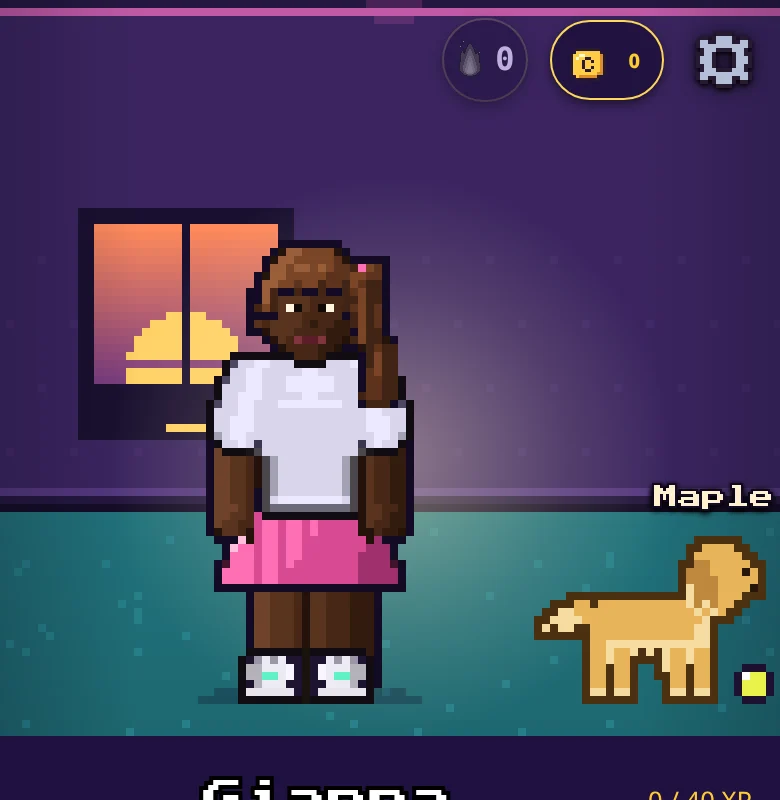
Tap the ball in your room and your hero throws it. It bounces, sometimes off the wall, and stays where it lands. Dogs run off and bring it back in their mouth. Cats are cats: sometimes they swat it back, and sometimes they just watch it roll away.
Pets and the Bag
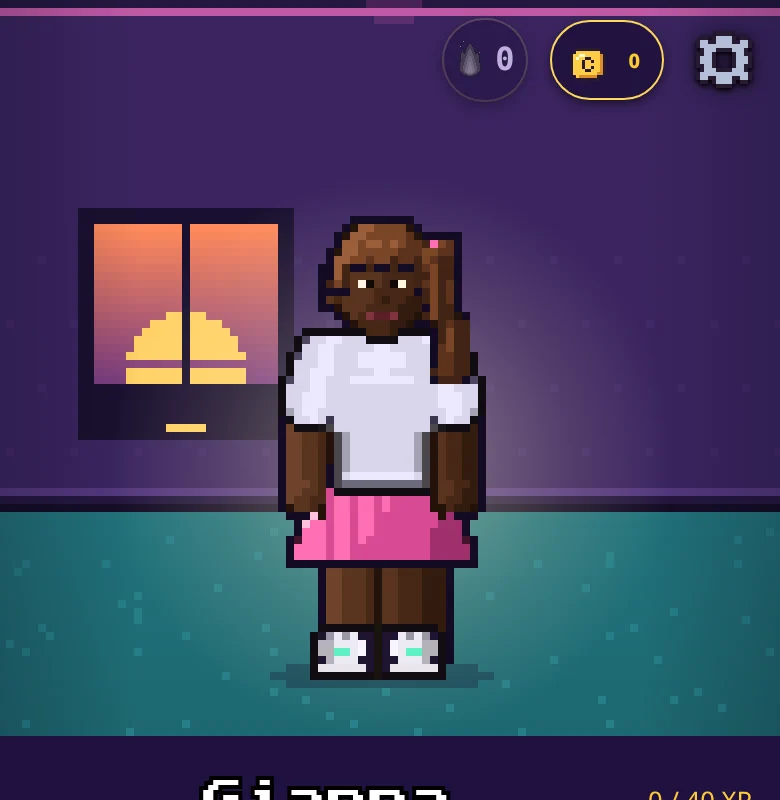
Want your hero on their own for a while? The Bag's pet slot now has a No pet option. Pick your pet again whenever you like.
Pets now walk in side view, and their name tags are bigger and easier to read.
Smoother menus
Menus now slide up from the bottom of the screen, just like the Hero sheet. Your phone's back button or back swipe closes the menu instead of leaving the app, long menus open at the top, and you swipe down on the handle to close them. The Bag also fits your screen better.
Improvements and fixes
- New chest sounds, with a bigger fanfare for epic finds.
- Cleaner hero art: arms and hands now sit properly over pants, skirts and long sleeves, skirts look fuller, and young heroes got better-fitting hands.
- Auras follow your hero as they walk and have softer edges. The workout glow now shows for a moment and then fades.
- Habit names are centred over the day pills, and the "Start a streak!" label fits on smaller phones.
- Taps feel quicker on phones, and it's easier to tap your hero, your pet or the floor.