
v1.14: Tidy Lists & Stork Arrivals
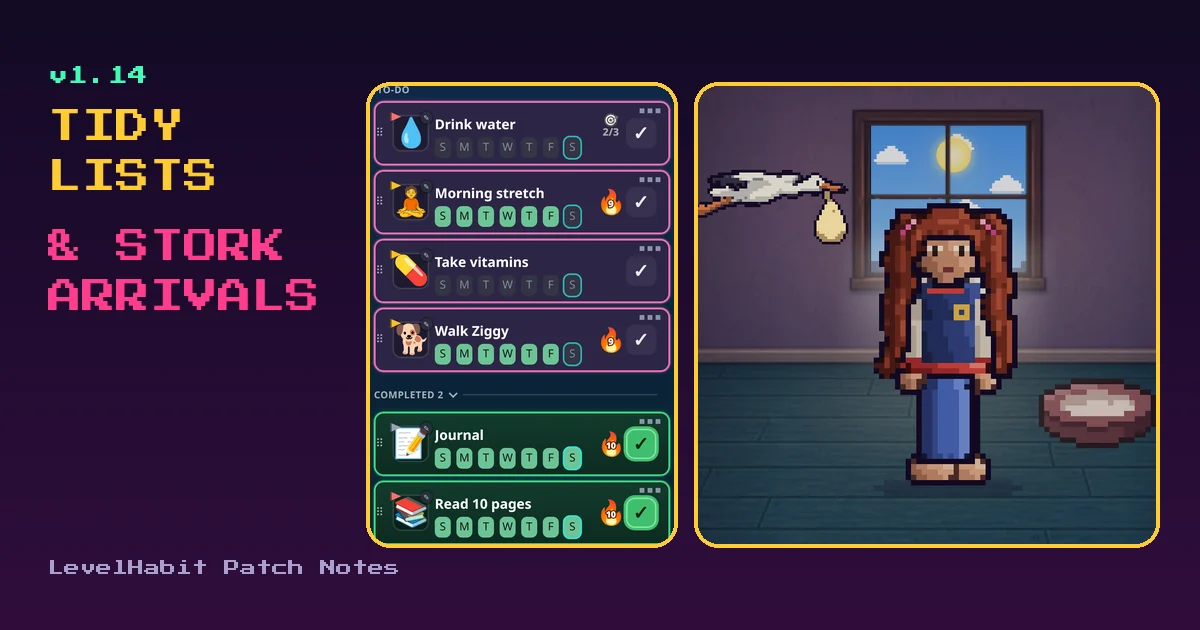
This update is all about keeping your day tidy. Sort your habits the way you like, see what matters most with priority flags, and earn XP on every check of habits you do more than once a day. Your very first pet now flies in by stork, and we smoothed out lots of little things on phones.
Sort your habits your way
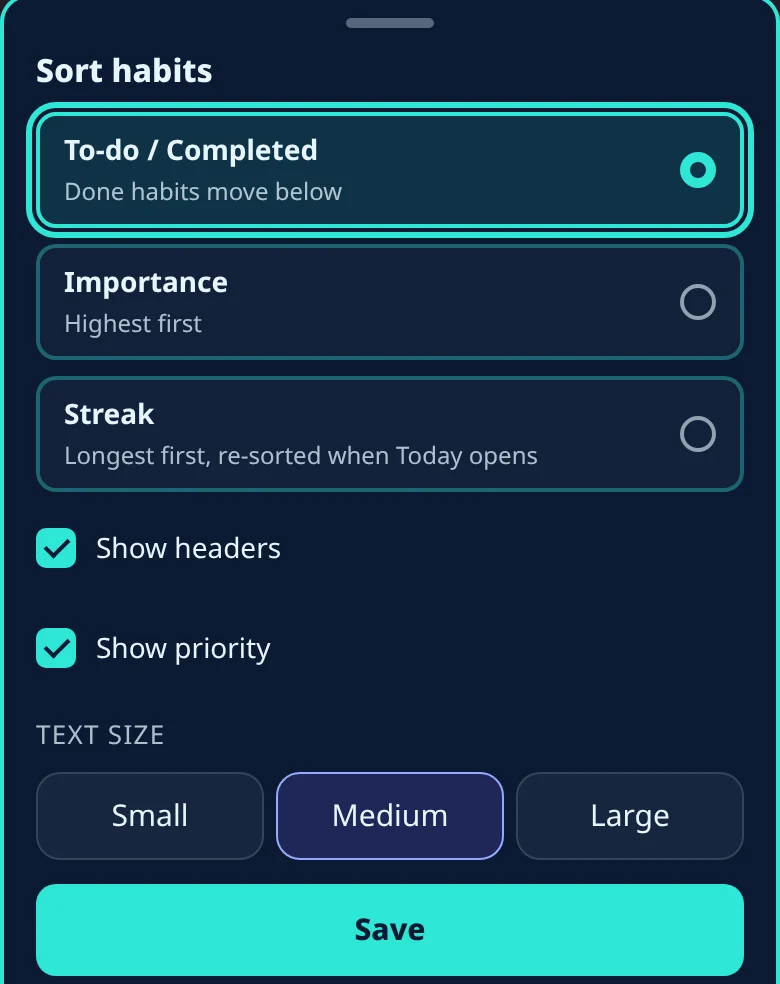
Tap the sort button next to Habits to open the Sort habits sheet. Pick To-do / Completed to move finished habits below the rest, Importance to put your most important habits first, or Streak to list your longest streaks first. Streak order refreshes each time you open Today.
The same sheet lets you turn section headers on or off, show priority flags, and pick Small, Medium or Large text for your habit list. Tap Save and your list updates right away. Tapping any tab also closes the sheet.
Priority flags and a tidy Completed section
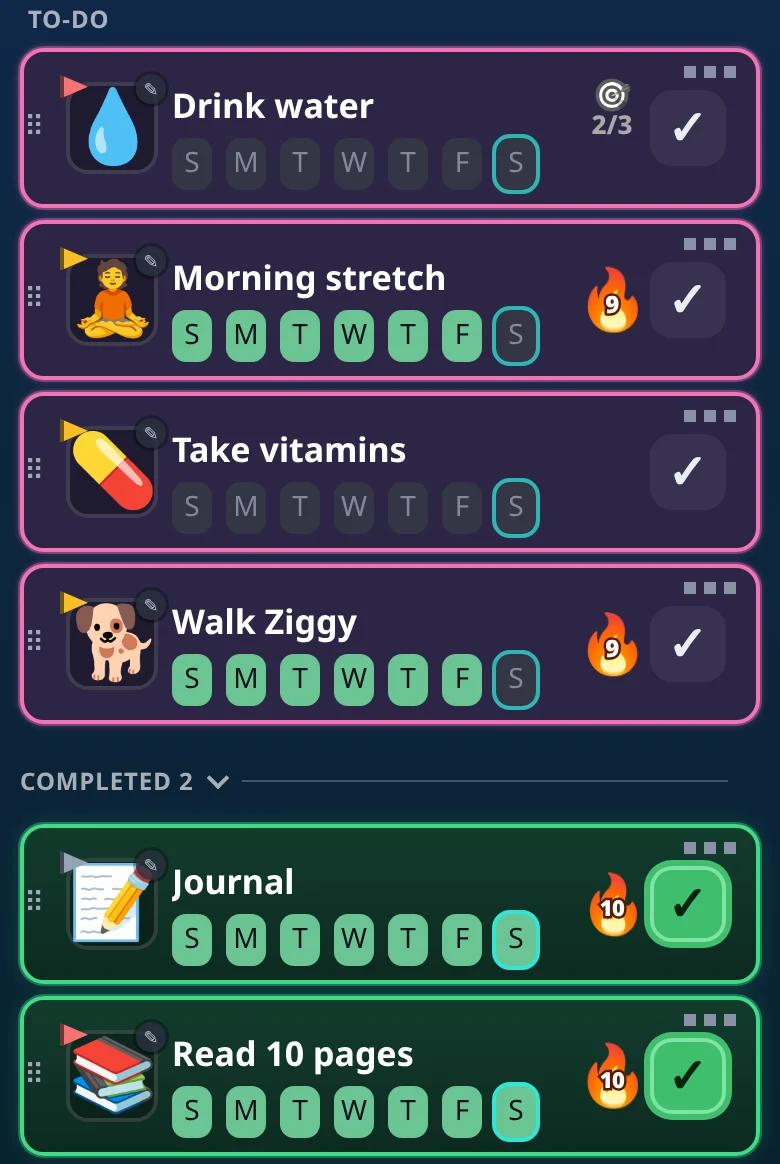
With Show priority on, every habit card wears a small flag in the corner: red for high, yellow for medium and gray for low. Habits start at medium, and you can change a habit's importance when you edit it.
Done habits gather under one Completed header, with your daily, weekly and monthly habits together and today's latest check at the top. Tap the header to fold the section away or open it again. The habit count at the top now updates the moment you check something off.
XP on every check
Habits you do several times a day, like brushing twice or drinking water three times, now give XP for each check instead of only at the end. The checks add up to the habit's full XP, and unchecking one takes its share back. The times-per-day count is now a soft gray and sits just above the check button, so it's easy to read.
Your first pet arrives by stork
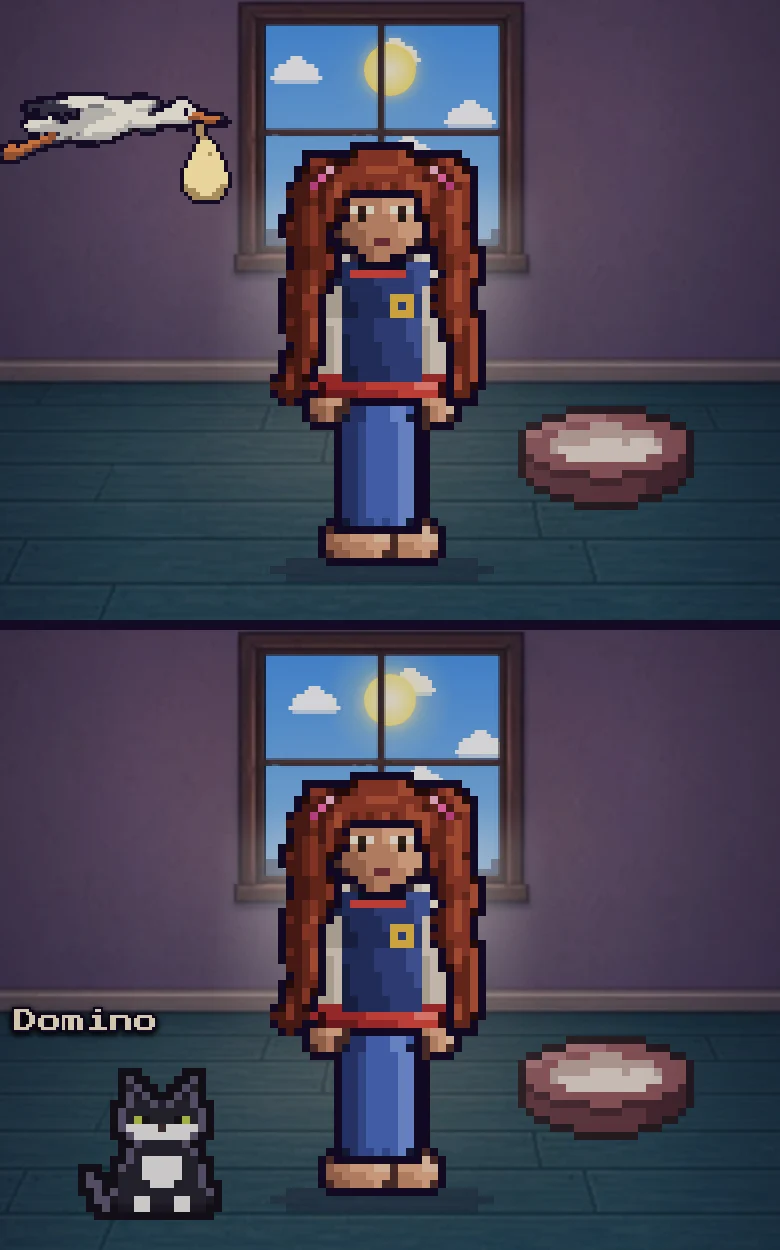
The pet you pick and name when you start now gets a proper welcome. After you sign up, its bed fades into your room, you get a short moment to look around, and then a stork flies in to drop off your new buddy. Every pet you win after that arrives by stork right away too.
The stork now flies a little lower, so it never hides behind the streak and coin row at the top. Pets also hop smoothly into their beds, keep facing the way they were walking when they stop, and the naming card always asks about the pet that just arrived.
Improvements and fixes
- Your hero profile cards and tabs, and the Hair and Outfit panels in the hero creator, now match your color theme, with a ring around the swatch you picked.
- Long item names wrap onto two lines on smaller phones instead of getting cut off.
- In the Matte theme, category chips use a soft silver accent.
- The Add a habit sheet now opens from the top of the screen, has a solid header that stays put while you scroll, and keeps the Add button above the keyboard.
- Pop-up messages no longer cover the Add a habit sheet.
- On iPhone, tapping a text field no longer zooms the screen, and long-pressing a habit card no longer pops up the text magnifier.
- The buttons at the bottom of hero creation never cover the pickers.
- The adventure card has a neater layout for Destination and the Send on Adventure button.
- The adventure trip bar no longer jumps back when you check off a habit, and the adventure scene looks crisper.
- The Pick & name a companion quest now gives its +40 XP.