
v1.9: Pet Homes & Grid Room Editor
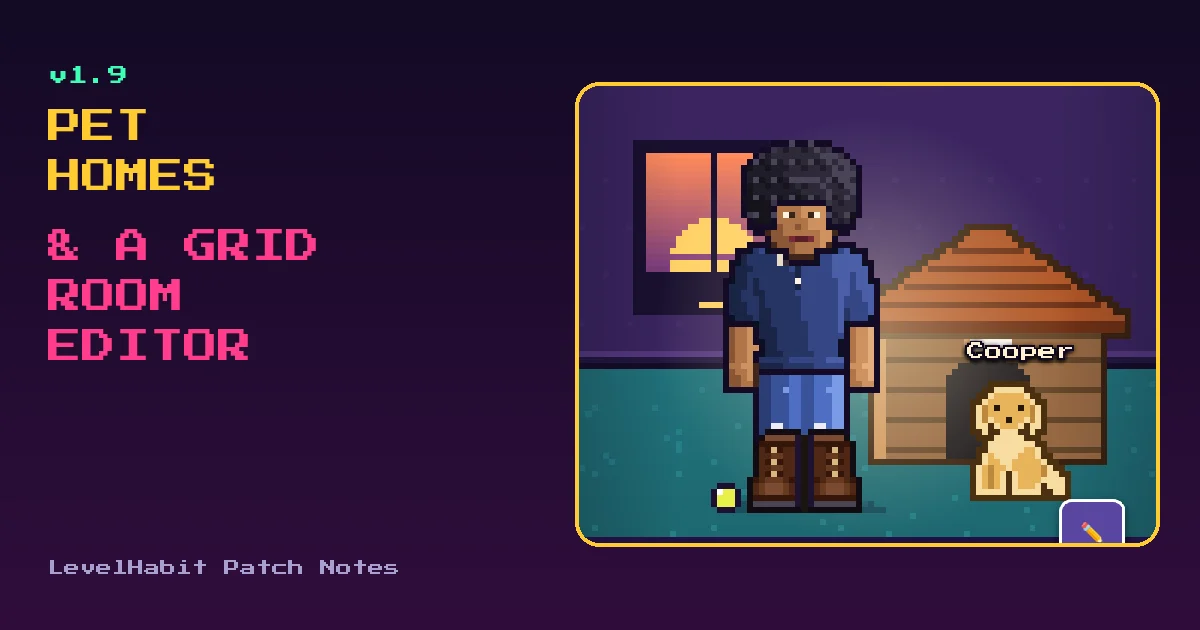
This update gives your pet a place of their own. Every pet now has a home in your room, pets walk for real instead of sliding, cats purr and swat the ball, and the room editor snaps neatly to a grid. The app also opens faster.
A home for every pet
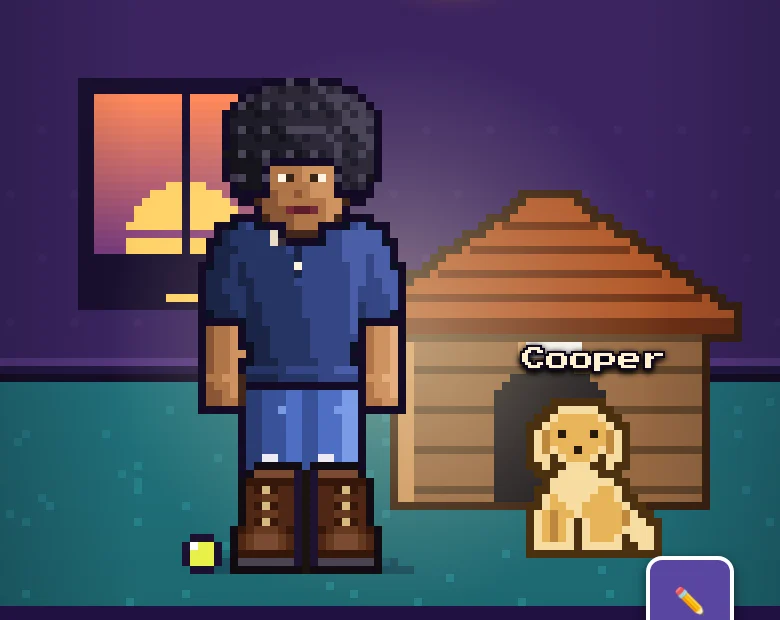
Dogs get a doghouse, cats get a cat tree and other pets get a perch. Every so often your pet wanders over to their home for a short rest, then comes back out to hang out with your hero. Throw the ball and they'll hop right out to chase it.

Cats climb up and curl up on top of their tree. If you swap in a bigger home and the room gets full, any furniture that no longer fits goes safely into your Bag.
Pets that really walk
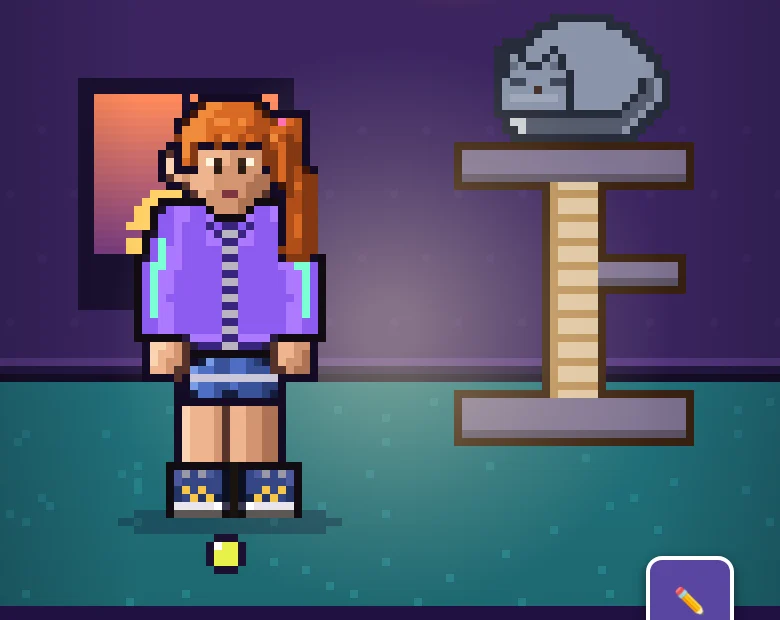
Pets now have a proper walking animation, so their legs move as they cross the room. Cats purr with their eyes shut, and they swat the fetch ball instead of carrying it like a dog.
A grid room editor
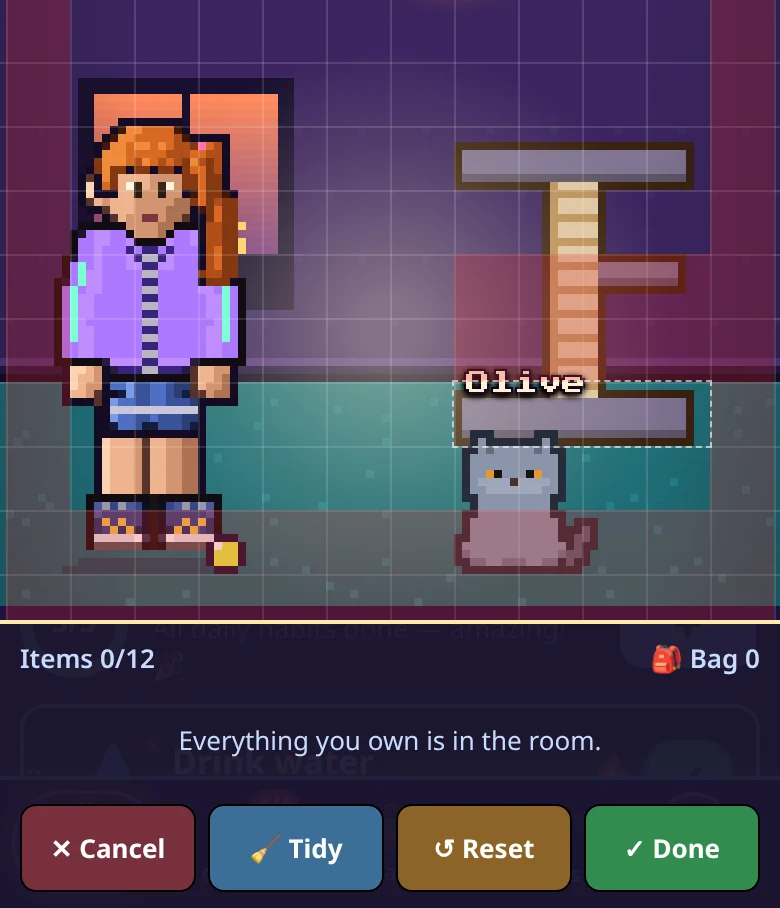
Tap the pencil in your room to edit it. Furniture now snaps to a neat grid, you can place up to 12 items, and Tidy and Reset buttons help when things get messy. Your room layout is also saved to your account, so it looks the same on every device you sign in on.
Faster and smoother
The app now opens straight away from your phone and updates quietly in the background. Speech bubbles have a new pixel-art look, and if something fails to load you'll see a "tap to reload" message instead of a blank screen.
Improvements and fixes
- The trident and tesla coil no longer hide your hero's throwing hand.
- The room edit pencil no longer covers the XP label.
- The bed now has proper front art.
- Speech bubbles no longer show thin lines at the edges.